Architecture & Key Constraints
SQLite rows are claimed in a transaction, and the DOCX is filled from Zod-checked model output.
What it does
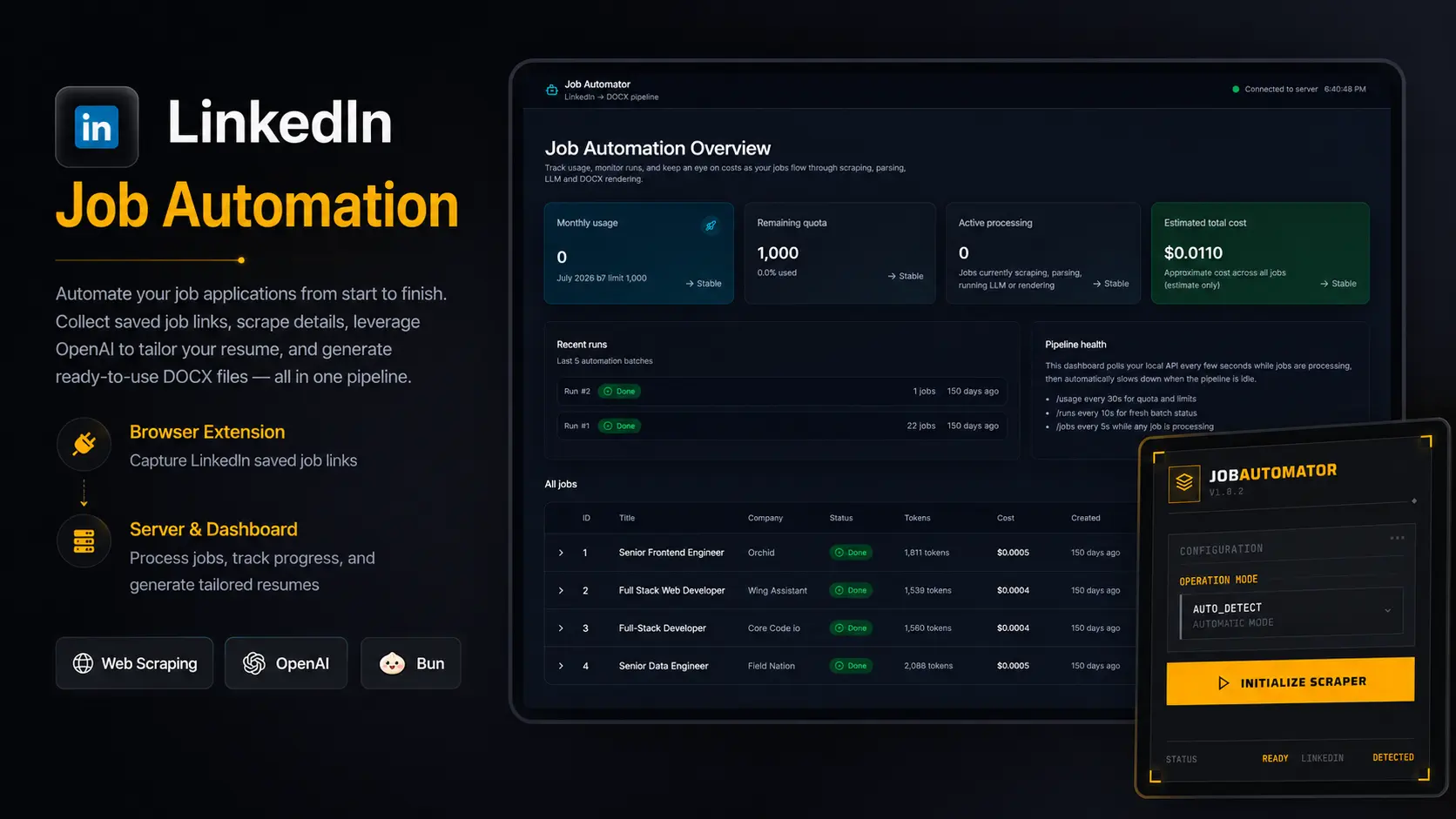
I built this for my own applications. A WXT browser extension sits in the LinkedIn session. Saving a job sends that URL to a local Express server.
The server then fetches the posting, parses it, asks OpenAI for resume fields, and fills a DOCX template.
The queue
The database is a SQLite file opened with bun:sqlite and Drizzle, with WAL mode on. A worker polls for pending rows, claims the next one inside a transaction, and runs it on a p-queue.
A failed job returns to pending with exponential backoff. After three attempts it is marked failed. Rows that are still pending are still there after a restart. Fetched HTML and model responses are written to local cache directories, so the same page or the same prompt is not requested twice.
The document
The model is asked for an object that has to match a Zod schema. docxtemplater fills the DOCX from that object. The local dashboard lists runs, job status, and the token stats stored on the row.